Press kit
Brand kit
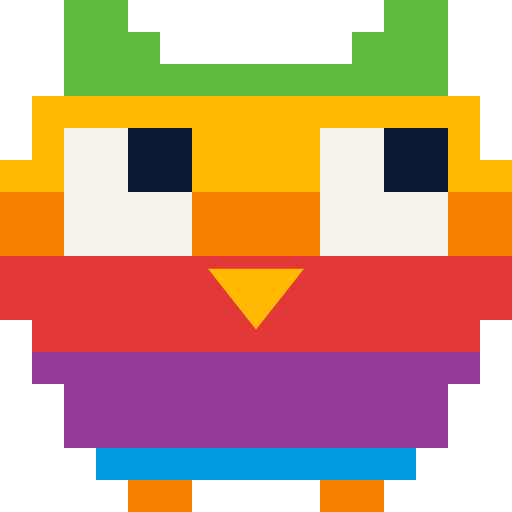
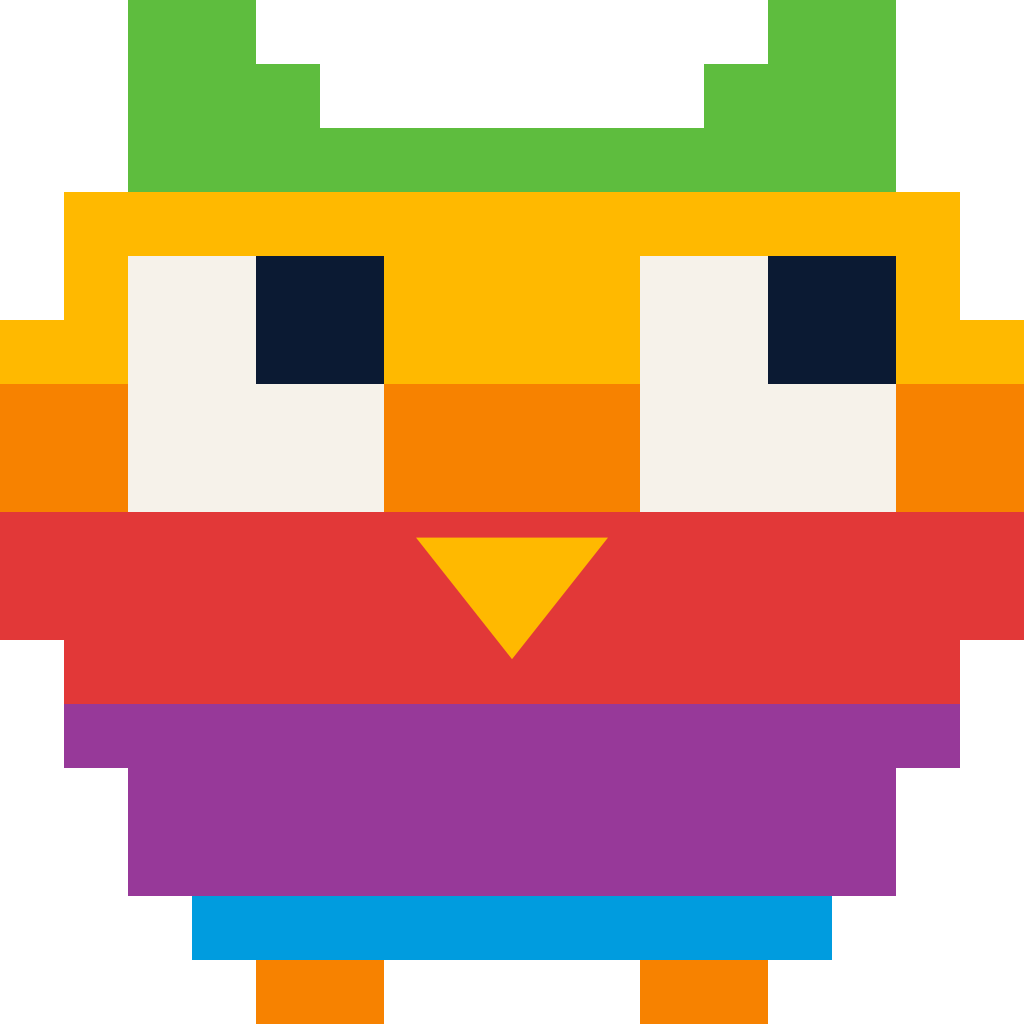
Need our owl for a poster, a slide or an article? Take it here, and please use it as it is.
The owl
PNG files are 1024 by 1024 pixels with a transparent background.
-
-
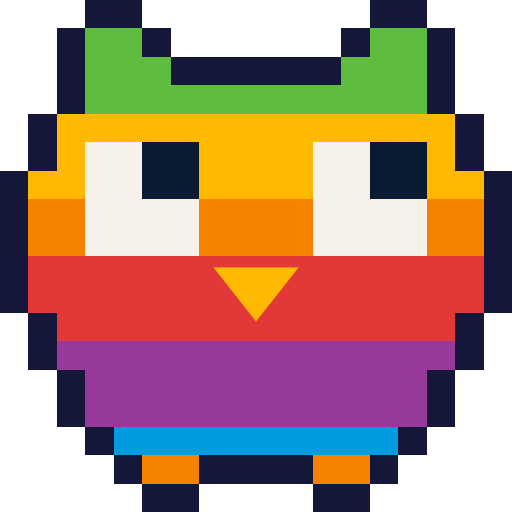
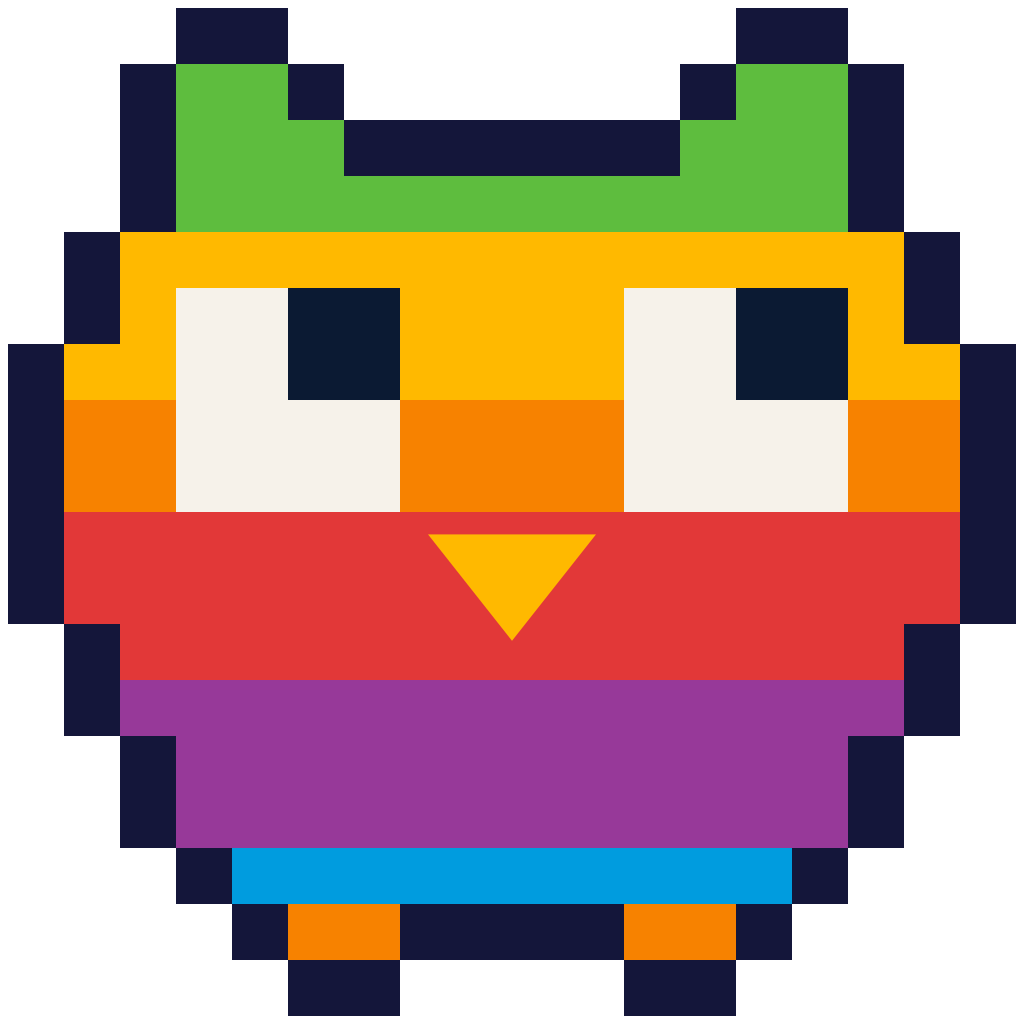
Outlined owl
For banded or busy backgrounds.
Using the owl
Do
- Use the files as they are.
- Keep the pixels square and sharp. Scale by whole steps where you can.
- Use the plain owl on flat backgrounds and the outlined owl on busy or banded ones.
- Write the name as "Athens iOS Meetup", with a lowercase i.
Don't
- Redraw, recolour, reorder or remove any part of the owl.
- Smooth, blur or round the pixels.
- Put text on the owl.
- Add gradients, glows, shadows or 3D effects.
- Pair it with the Apple logo, an apple shape or the Swift bird.
- Write the name as "IOS" or "Meetups".
Colours
The core colours of the dusk theme.
- surface #1B1F4A Page background
- surface-raised #2E2860 Cards on the background
- ink #F6F2EA Headlines and body text
- muted #9FB0C8 Secondary text
- accent #FFB900 One highlight per page
The owl's six bands
- band-green #5EBD3E
- band-yellow #FFB900
- band-orange #F78200
- band-red #E23838
- band-purple #973999
- band-blue #009CDF
Outside the owl, these appear only as the full set in order, or one at a time as a small marker. Never as text.
Typefaces
Both are free, under the SIL Open Font License.
Darker Grotesque
Athens iOS
Headlines only, in the heavy weights, never smaller than 32 pixels.
Manrope
Talks, Swift and good company.
Everything else, in regular to bold.
Anything else?
Questions about the brand, or something you need that is not here? Write to [email protected].